


Leaderboard
-

AndyR
Moderators1Points535Posts -
SySy80
Members1Points1Posts -
speedcav72
Members1Points1Posts


Popular Content
Showing content with the highest reputation on 07/15/2024 in all areas
-
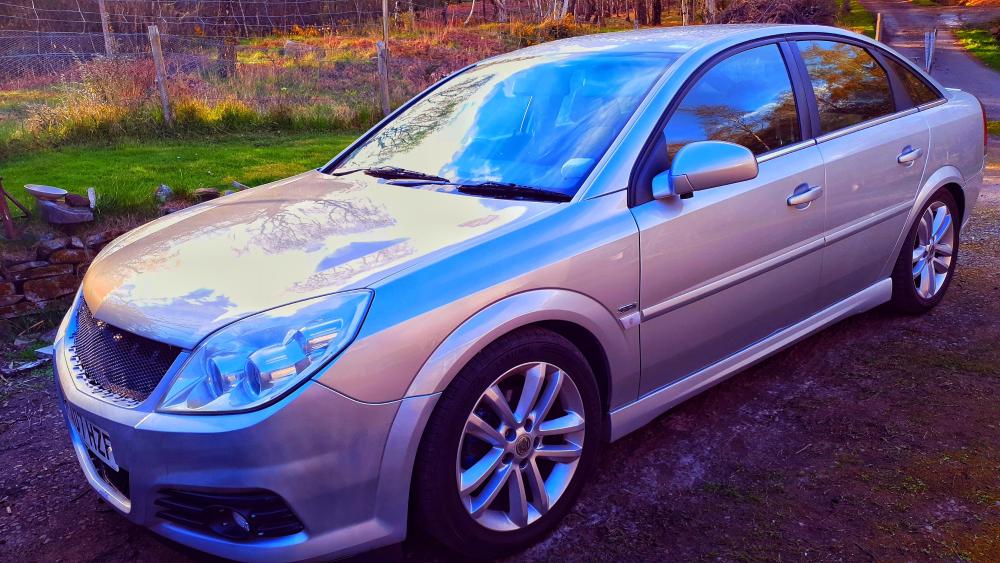
1 pointHello VOC, I've just signed up to the forum as I presently own a 2007 Vectra C 1.8 vvt SRi having bought it in Nov 22 with 61,000 miles on the clock. This is my first Vectra but I'm by no means new to Vauxhall having owned the following - Astra Mk2 1.8 GTE and 2.0 16v GTE. Cavalier Mk2 1.8 CDi 5 door,1.8 SRi 4 door,2.0 SRi 4 door,2.0 SRi130 5 door and Calibre. Cavalier MK3 2 x 1.6GL 5 door,1.6LS 4 door ,1.8LS 5 door,2.0 SRi 5 door,2 x GSi2000,SRi16v Redtop 4 door,SRi16v Ecotec 5 door. The majority of the above I modified some mildly and others extensively. As for me I live in Scotland and drive HGVs for living. In my mid 40s apart from a huge passion for cars,owning and driving but as much modifying and rebuilding (Not just Vauxhall but Fords from the late 60s to early 90s OR in other words pre Mondeo,Escorts up to and inc MK3s,especially mk3 in fact,MKi Fiestas,all Capris,Cortinas and Sierras. In fact,I've a large history of Ford ownership too) but I also have played guitar for a long time,love history and much more. Bob

 1 point
 -
1 pointHello everyone, thought I'd join here. I currently have a 2003 Astra Convertible Edition 100. I am also here to try and trace the owner of my fathers old 1939 Vauxhall 12/4 I type deluxe, Reg JPA171. Here are a few pics

 1 point
 -
1 pointAnd there were loads more too. From Novas to Chevettes. And yes that last photo was the genuine article. The Holy grail of Carltons...... The Lotus Carlton. 😁1 point


