JohnPaul
Members
-
Joined
-
Last visited
-
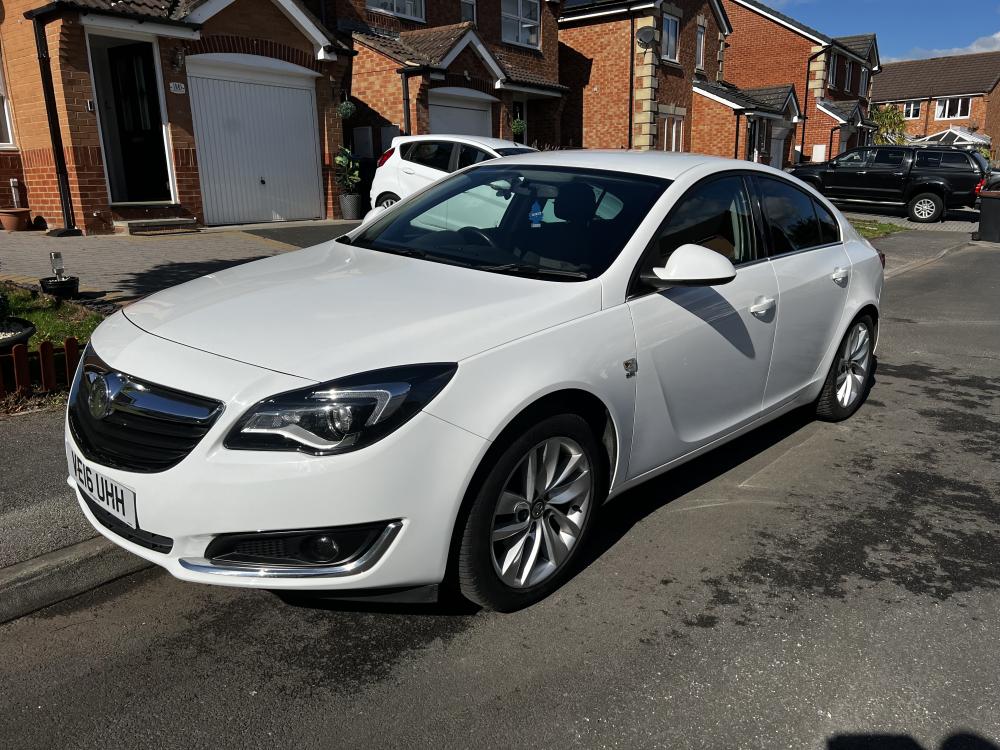
Give Frank a ring from MB Motors Keighley. Hes just done a timing chain clutch and flywheel and full service on my Insignia and it drives like a new car. Hes a Gentleman and what he does not know about Vauxhall is not worth knowing. When I returned home to Durham from his Garage in Keighley a heater plug warning light come on so I rang for advice. He turned up the next day (bear in mind its a 5 hour round trip), he plugged the diagnostic in and confirmed it needed a new heater plug and done all this free of charge. When I asked why he come all that way he said he won't leave an unhappy customer. Unbelievable service.
-
Hi Andy, Thanks for the welcome. When looking at different Insignias I too thought it might be underpowered but it does have 140bhp and having test driven quite a few I really couldn't notice much difference from the 2.0 CDTI, certainly not enough difference to warrant the extra fuel consumption. i average 48-50 mpg and get 65 on a run. I would like the new shape 2.0 but compared to other marques its not that good on fuel so I have been looking at the 1.5 petrol. At the minute mine drives like a new car so I am in no hurry. ATB Col
-
Hello Everyone, I am pleased to be a member. I have had my insignia for a while now and love driving it