Jump to content
View in the app

A better way to browse. Learn more.

Vauxhall Owners Club

A full-screen app on your home screen with push notifications, badges and more.

To install this app on iOS and iPadOS
  1. Tap the Share icon in Safari
  2. Scroll the menu and tap Add to Home Screen.
  3. Tap Add in the top-right corner.
To install this app on Android
  1. Tap the 3-dot menu (โ‹ฎ) in the top-right corner of the browser.
  2. Tap Add to Home screen or Install app.
  3. Confirm by tapping Install.

Cal98

Members
  • Joined

  • Last visited

Everything posted by Cal98

  1. Appreciate the reply, will get this sorted
  2. Can anyone diagnose the problem please
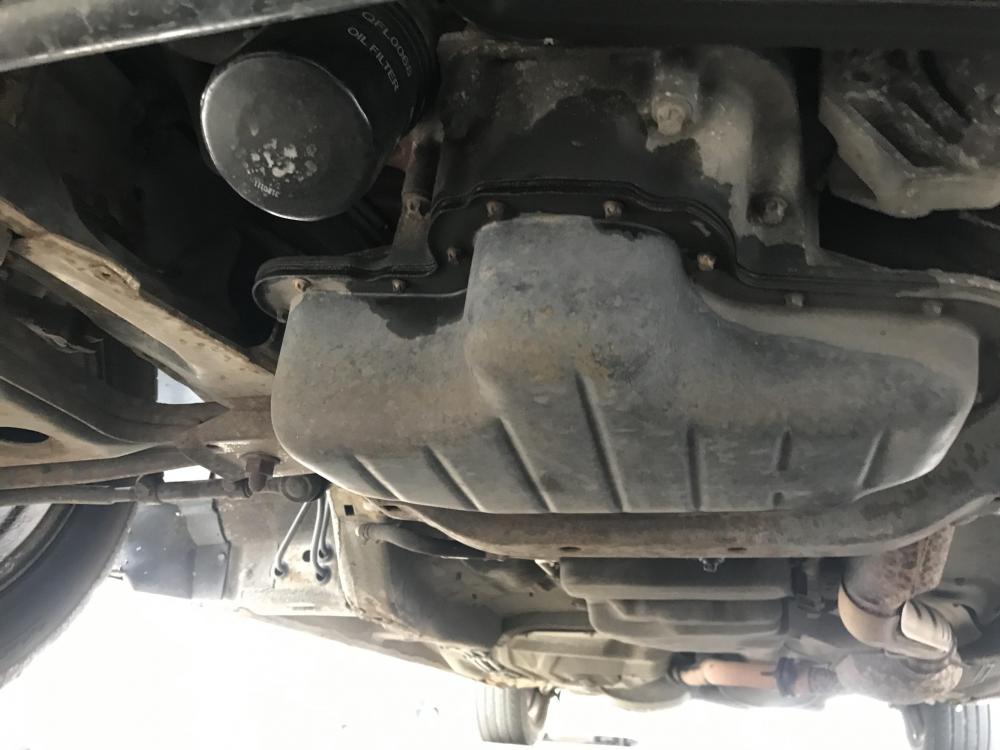
  3. Normally does full beam by itself after I turned it on and only sometimes any ideas pleasee ๐Ÿ™๐Ÿ˜
  4. Thankyou for the reply I will investigate this @vauxhallownersclub ๐Ÿ˜
  5. Yeah what I can see no blockage my theory is I might be pouring it too fast at once so Iโ€™m going to try later, Thanks for the reply ๐Ÿ˜ƒ
  6. Washer fluid getting stuck in neck and obviously itโ€™s empty haha
Background Picker
Customize Layout

Configure browser push notifications

Chrome (Android)
  1. Tap the lock icon next to the address bar.
  2. Tap Permissions โ†’ Notifications.
  3. Adjust your preference.
Chrome (Desktop)
  1. Click the padlock icon in the address bar.
  2. Select Site settings.
  3. Find Notifications and adjust your preference.